How to Redeem GoFaster Codes
Cash promos and deco kit strings without wasting attempts.
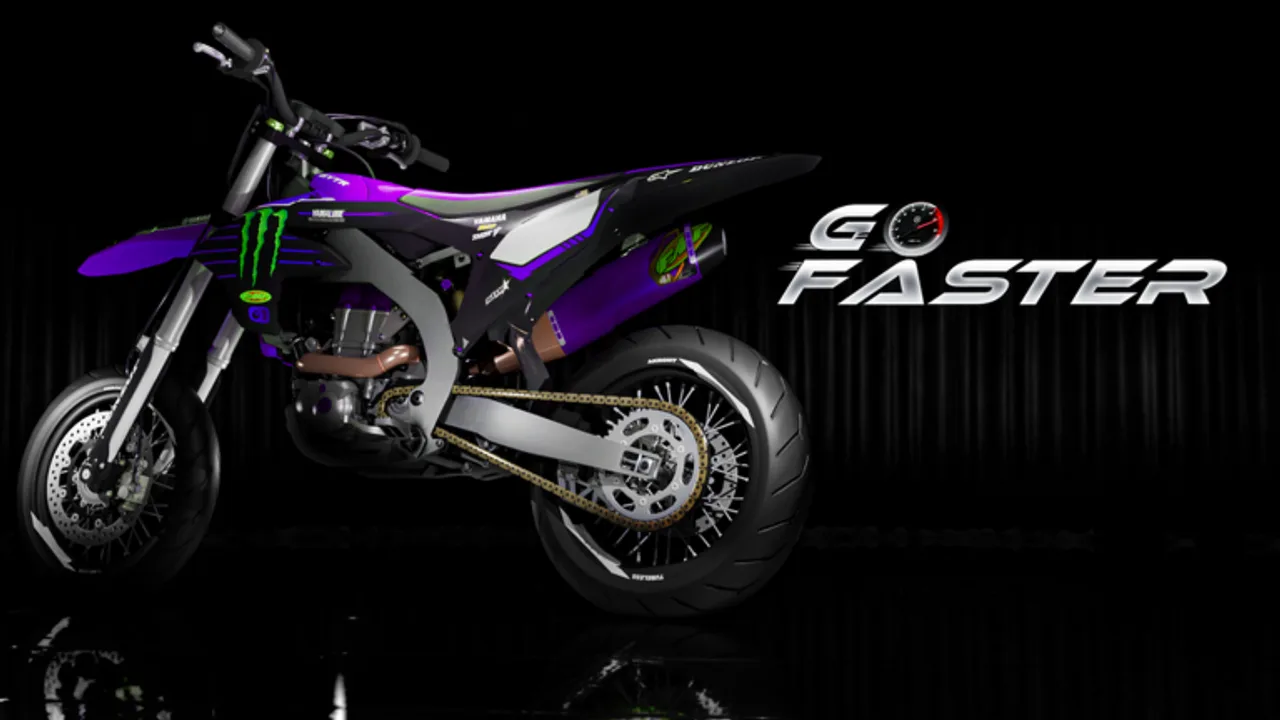
Redeeming codes in GoFaster is simple once you know which panel to open. BETA builds rearrange UI labels, so this guide covers both promo / gift codes and decoration kit codes that creators share for wraps and skins.
Before you start
- Play on the official experience: GoFaster.
- Join the GoFaster Community Roblox group (creator BlueLie / GoFaster Community).
- Have the code copied to clipboard with exact capitalization.
- Keep enough inventory space if the reward is a physical part or kit.
If you are brand new, finish the Getting Started loop first so you know where Customize and the workbench live.
Method A — In-game promo / Codes button
- Spawn into a public server (max 15 players).
- Look for a Codes, Rewards, or gift icon on the HUD. In early BETA it may sit near the top-left utility row.
- Click the button to open the redeem box.
- Paste the code. Do not add spaces before or after.
- Confirm. Watch for a success toast and check cash or inventory.
- Leave and rejoin only if the UI freezes; do not spam redeem.
If the Codes button is missing after an update, the team may have moved redemption into the shop tablet or pause menu. Check the Updates hub for UI notes.
Method B — Decoration kit codes
TikTok and YouTube creators often share kit deco strings. These unlock cosmetic packs inside Customize:
- Own or preview a bike (customize can open without owning a bike after the 0.3 patch).
- Open Customize from the HUD.
- Find the kit / code entry field near wraps or sticker packs.
- Paste the kit code and apply.
- Equip the unlocked deco on your current build.
Kit codes are not listed on Roblox.com/redeem. They only work inside GoFaster.
Method C — Group-gated rewards
Some drops require group membership:
- Open the Roblox page for GoFaster Community.
- Click Join.
- Fully restart Roblox (not just the experience).
- Redeem again.
Membership also keeps you closer to shout announcements when milestone codes drop.
Troubleshooting
| Symptom | Likely cause | Fix |
|---|---|---|
| Invalid code | Typo or expired | Recopy; check Codes hub |
| Nothing happens | Wrong panel | Try Customize kit field |
| Already redeemed | One-time code | Use another account only if rules allow |
| Need group | Membership gate | Join GoFaster Community |
| Soft lock | BETA UI bug | Rejoin server |
Safe redeem habits
- Never share your Roblox password with “code generator” sites.
- Skip survey walls that promise exclusive GoFaster cash.
- Prefer codes posted by the developer group or creators you already trust.
- After redeeming cash, spend it with a plan from the make money guide and engine tier list.
After a successful redeem
- Note the reward in a personal checklist.
- If it was cash, buy a used frame first, then engine parts in the build order.
- If it was a deco kit, screenshot the unlock for your customize guide reference.
- Tell friends to grab the code before it expires — short BETA codes vanish quickly.
Related pages
Frequently Asked Questions
Quick answers for GoFaster riders and builders.
Is Roblox.com/redeem used for GoFaster codes?
Usually no. GoFaster rewards are redeemed inside the experience or the customize kit field.
Can I redeem the same code twice?
Most promo and kit codes are one redeem per account. A second attempt returns already redeemed.
Do private servers block codes?
Some rewards only process on public servers. If a code fails in a VIP server, try a public one.