How to Kickstart in GoFaster
Animation, sound, ignition reseat, and clean first fires for Version 0.3.
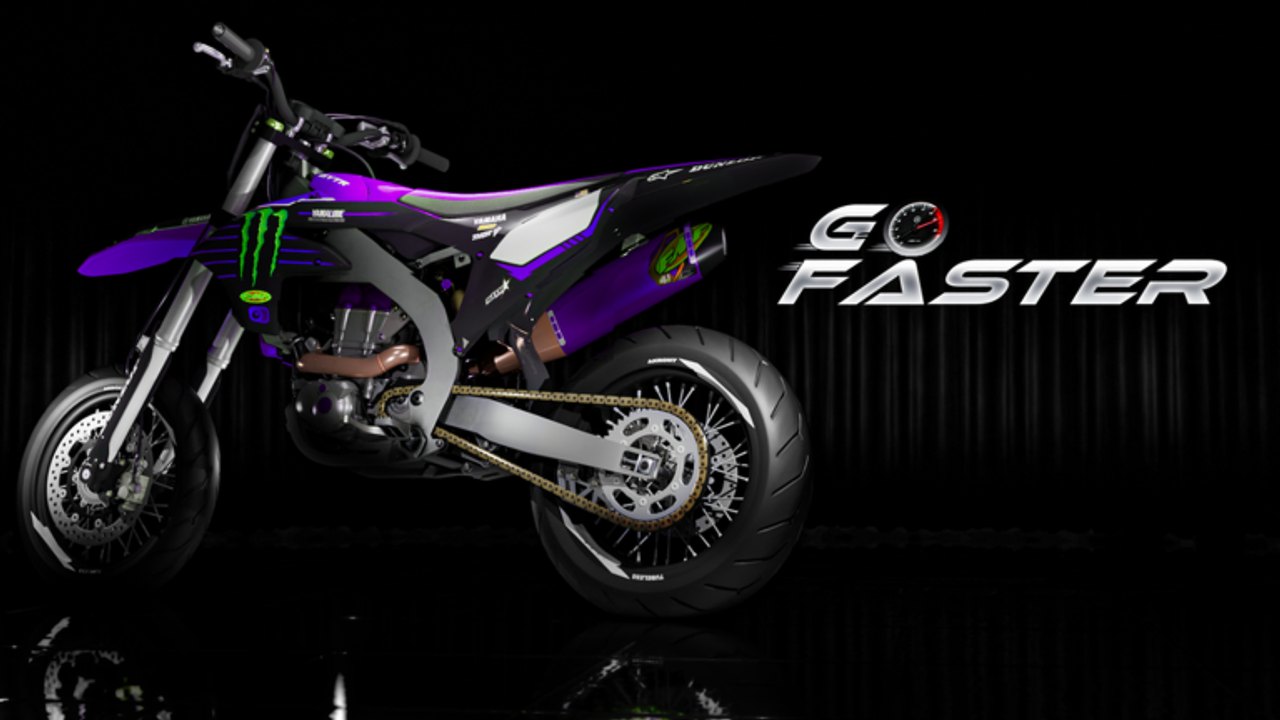
Kickstart is how a finished GoFaster engine proves it is alive. Version 0.3 turned it into a real system with animation and sound, so silent spam-kicks are a warning, not a strategy. This guide covers the live start ritual, what older clips still get right, and how to recover when the bike refuses to fire.
Before you kick
- Finish the long block — cases, transmission, crank, ignition, piston, rings, head, valve cover, intake. Use Build Engine if anything is still floating.
- Confirm reed valves are installed when you own them; they belong on serious builds after 0.3.
- Seat the exhaust cleanly (see Remove Exhaust) so scrape noise does not mask start audio.
- Glance at the speedometer cluster — new functions in 0.3 help you read readiness and heat later.
Do not kick a half-assembled bike hoping animation will magically finish snaps.
The Version 0.3 kickstart ritual
- Mount the bike in a clear lot space.
- Trigger kickstart once and wait for the engagement animation and sound to finish.
- Avoid mashing the bind during the animation — you will miss the audio cue that confirms a real fire.
- Ease throttle only after the engine note settles.
- Check the speedometer for temperature climb on the first pull.
Headphones help. Deeper 2T sound and scrape cues are intentional feedback, not decoration.
What older tutorials still teach
A widely watched how-to walkthrough (embedded on this page) shows a common confusion: pressing I can open a parts menu — ignore that panel if you only meant to start — then use W in a steady cadence until the bike catches. That clip remains useful for first-session geography and the “do not panic when a menu pops” lesson.
Important update: Version 0.3 added a proper kickstart animation and sound. Treat the creator’s W cadence as complementary muscle memory, not a replacement for waiting on the new feedback. If animation never plays, fix the bike before blaming the throttle.
Full control map: Controls. Beginner money and first bike path: Getting Started.
When kickstart fails
Work the checklist in order:
- Missing critical part — reopen the workbench and look for unsnapped pieces.
- Ignition reseat — 0.3 shipped a new ignition system. Coils that looked fine on older bosses may sit slightly off. Remove and remount carefully with scroll aiming.
- Flooded spam — stop kicking for a few seconds, then try one clean kick.
- Wrong context — leave Customize menus; start from a riding-ready state.
- Server desync — rejoin place
138075872498625if animation never appears for anyone nearby.
Most “dead bike” tickets end at ignition reseat or a crank that never finished its drag-to-snap.
Speedometer checks after a fire
The new speedometer is not vanity UI. After a successful kick:
- Confirm the cluster is alive (functions present).
- Watch temperature as you leave the lot — heat is a first-class system now.
- Abort a pull early if the gauge climbs aggressively; durability damage is real.
Pair this page with Temperature and Durability once you can start reliably.
Practice routine (ten kicks)
- Three kicks focusing only on hearing the engagement sound.
- Three kicks with a two-second pause before any throttle.
- Two kicks after a deliberate ignition reseat drill.
- Two kicks followed by a slow lot loop watching the speedometer.
Log which attempts felt soft. Soft kicks after a crash often mean durability or seating, not a broken bind.
Kickstart vs other systems
| System | How it touches starting |
|---|---|
| Ignition remaster | Must seat on new bosses |
| Reed valves | Improve breathability once running |
| Exhaust remaster | Wrong tip can scrape and distract |
| Temperature | Punishes immediate redline after kick |
| Scroll controls | Needed to reseat ignition accurately |
| AM6 / inline-2 packs | Still need a clean kick before flex runs |
Prestige packs from the engines tier list do not skip the start ritual.
Mobile and controller notes
Touch UI maps to the same verbs: mount, kickstart, wait for feedback, throttle. On phones, avoid covering the interact / kick controls while the animation plays. Controller users should bind kickstart to a comfortable face or shoulder button and resist turbo-tapping.
If an on-screen prompt disagrees with a pre-0.3 TikTok, trust the live HUD. Patch notes explicitly called out working kickstart with sound and animation — see Version 0.3.
Session plan when starts feel cursed
- Rejoin the official experience and confirm Version 0.3 [BETA].
- Reseat ignition with slow scroll aiming.
- Verify crank and cases using the build order tool.
- Perform three quiet kicks without throttle.
- Only then attempt a heat-managed loop.
Related pages
Frequently Asked Questions
Quick answers for GoFaster riders and builders.
How do I kickstart a bike in GoFaster?
Finish the engine, mount the bike, trigger kickstart once, and wait for the Version 0.3 animation and sound before throttling. Reseat ignition if the kick feels dead.
Why does pressing I open a menu instead of starting?
I can open a parts menu. Close or ignore it if you only meant to start, then use the kickstart / W cadence shown in beginner videos without spamming during the new animation.
What changed about kickstart in Version 0.3?
Kickstart now includes working animation and sound. Silent or instant “starts” without that feedback usually mean the engine is not truly engaging.
My bike will not start — what should I check first?
Missing snaps, then ignition reseat on the new bosses, then stop spam-kicking. Rejoin only if animation fails for the whole server.
Should I watch the speedometer after kickstart?
Yes. Confirm the cluster is live and watch temperature on the first pull so durability damage does not erase a clean start.