GoFaster Getting Started
First bike, first engine, first clean ride.
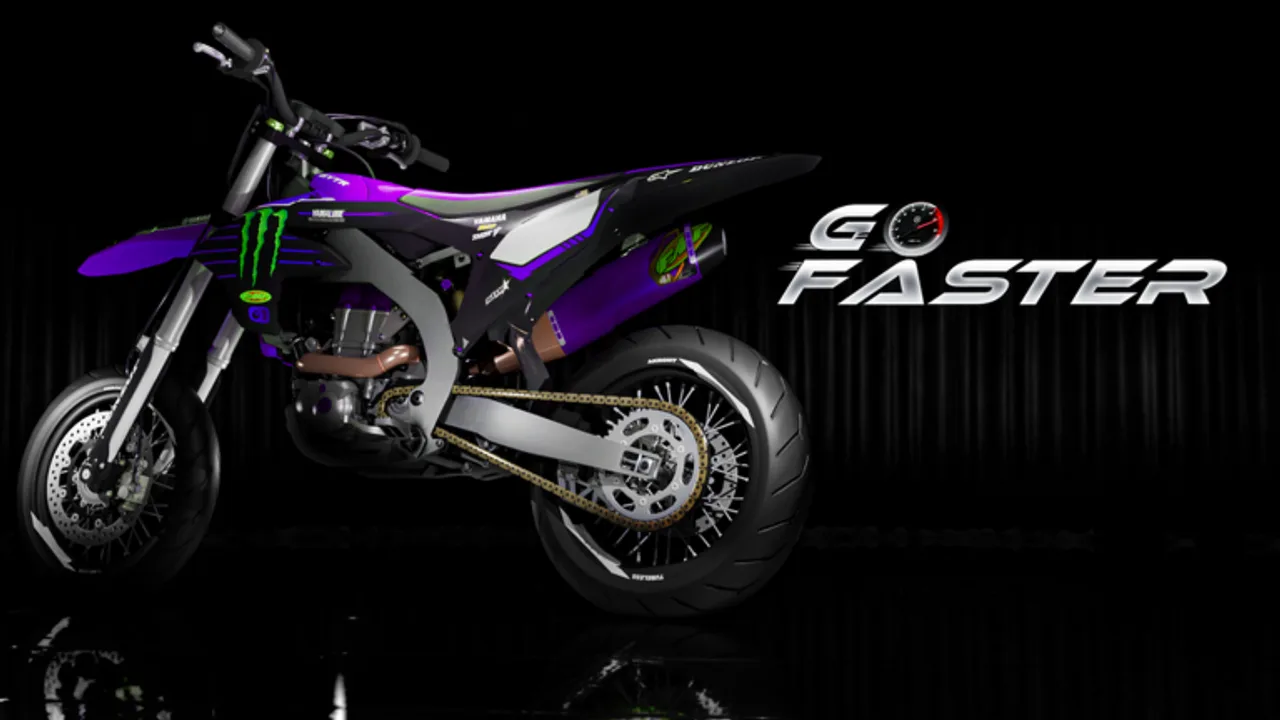
GoFaster [BETA] drops you into a dirtbike workshop fantasy with limited cash and a lot of parts. This beginner guide covers the first session: buying a bike you can afford, opening the workbench, assembling a runnable engine, and leaving the lot without stalling forever.
What GoFaster is
GoFaster is a Roblox vehicle simulation from the GoFaster Community group. You buy mopeds and dirtbikes, assemble engines piece by piece, tune exhausts, watch temperature, and ride with realistic kickstart and scrape audio. Servers cap at 15 players. The game is free-to-play and currently on Version 0.3 [BETA].
Minute-one money reality
You typically spawn with about $3,000. The shiny dealership across from spawn often lists bikes around $4,500, which you cannot buy yet. Cross the street to the used bike dealership instead. Used frames are the intended on-ramp.
Checklist:
- Open the used lot.
- Buy the cheapest runnable frame.
- Do not blow remaining cash on cosmetics yet.
- Locate the customization / workbench table.
Open the workbench
Walk to the customization table and click it. The workbench inventory shows engine cases, transmission, crank, ignition, piston, rings, head, valve cover, and intake pieces. If the UI feels empty, confirm you are interacting with the table, not a decorative prop.
Build your first engine (overview)
Detailed order lives in Build Engine and the build order tool. First-run summary:
- Place the first case.
- Seat the transmission and drag it into alignment.
- Add the crank.
- Add the second case.
- Mount ignition.
- Add piston, then piston rings.
- Install cylinder head and valve cover.
- Finish intake pieces (add reed valves when you own them).
Camera angle matters. Orbit carefully — Version 0.3 replaced E/Q adjust with scroll controls. See Controls.
First start and ride
- Finish the assembly until parts stop highlighting as missing.
- Use the kickstart — it now has animation and sound.
- Watch the new speedometer functions, including temperature.
- Roll gently before pinning the throttle.
- Avoid prolonged red-heat pulls; durability is live.
Early goals after you can ride
- Learn exhaust remove/reattach in Customize Bike.
- Farm cash with routes in Make Money.
- Plan upgrades via the engines tier list.
- Redeem anything active on Codes.
- Skim Version 0.3 notes so new systems do not surprise you.
Common beginner mistakes
| Mistake | Result | Fix |
|---|---|---|
| Waiting for the $4,500 bike | Stuck at spawn | Buy used |
| Skipping crank alignment | Engine will not run | Drag until snap |
| Ignoring temperature | Part damage | Pace rides |
| Buying wraps first | No performance | Save for reeds / exhaust |
| Fighting old E/Q habits | Camera frustration | Use scroll |
Session plan (30 minutes)
- Minutes 0–5: buy used bike.
- Minutes 5–15: assemble engine on the workbench.
- Minutes 15–20: first kickstart and parking-lot laps.
- Minutes 20–30: short cash route, then browse OIX Market carefully.
You do not need scripts. The Scripts hub explains why most injectors are unverified for this place ID.
Related pages
Frequently Asked Questions
Quick answers for GoFaster riders and builders.
Why can’t I buy the first dealership bike?
Starter cash is about $3,000 while that bike often costs about $4,500. Use the used bike dealership across the street.
Where is the workbench?
At the customization table. Click the table to open parts inventory and assembly.
Is GoFaster free?
Yes. It is a free Roblox experience. Optional cosmetics or kits may cost in-game cash or Robux depending on the shop item.
What version is this guide for?
Version 0.3 [BETA], including scroll camera, temperature, durability, and kickstart animation.